
Know-how for the small company.
Short, practical articles on invoicing, VAT, stock and AI. Written for owners, checked with accountants.
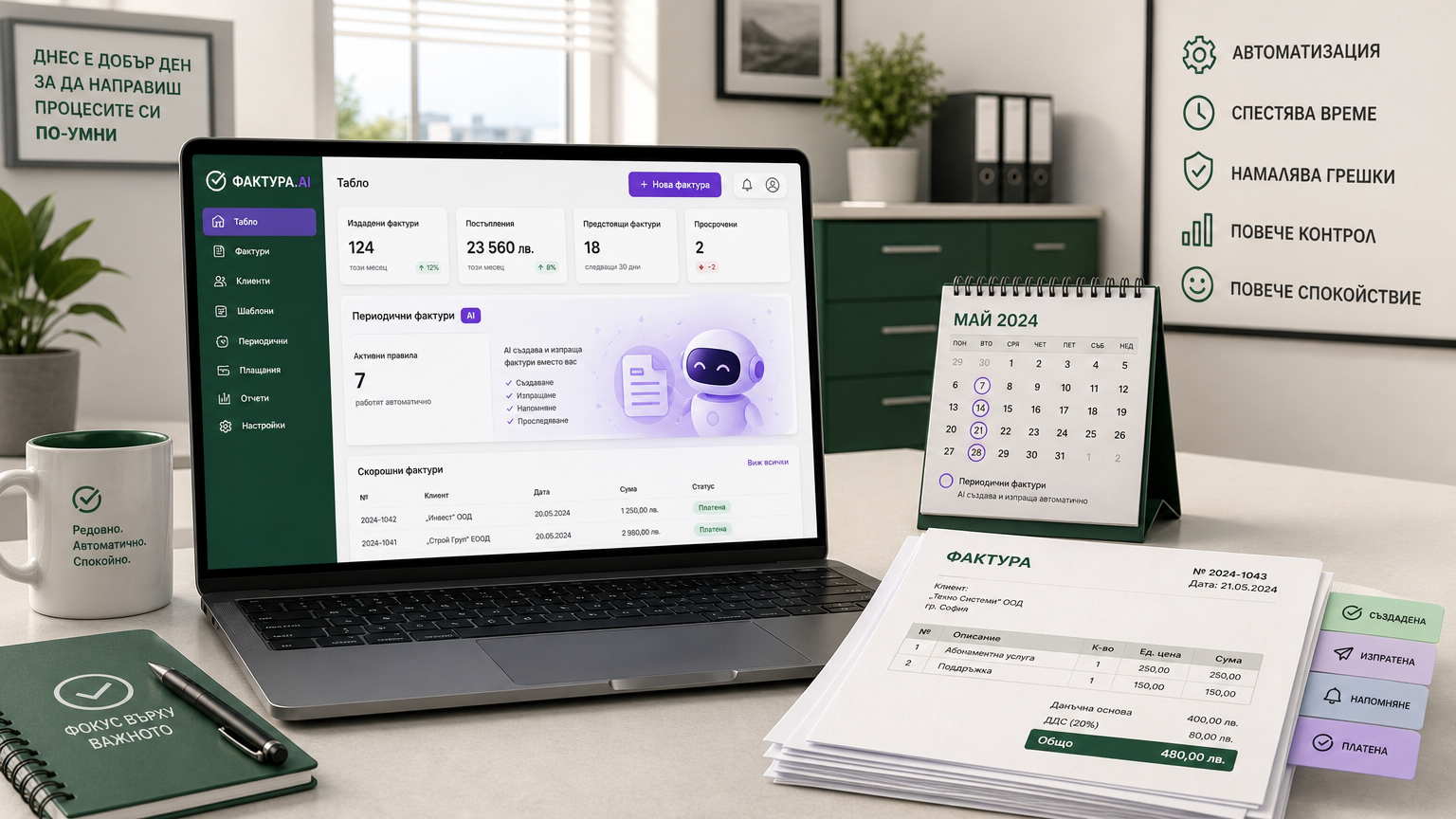
Automated Recurring Invoicing in ood.bg: Steps, Features and Limitations
ood.bg enables international and local companies in Bulgaria to automate the issuing and emailing of recurring invoices and related documents. Flexible scheduling, automatic numbering compliant with VAT law, and secure online tracking are included.
How to Optimise Company Expenses Before the End of the Accounting Year in Bulgaria
Optimising business expenses in Bulgaria before the end of the accounting year requires systematic review and accurate records. With digital tools like ood.bg, you can track, analyse, and automate expense management to ensure compliance and efficiency.
InvoicingCredit Notes in Bulgaria: When and How to Issue Them (A Guide for International Businesses)
A credit note is a legally required document for correcting a VAT invoice in Bulgaria. This guide explains when credit notes are mandatory, what information they must contain, and how ood.bg automates the process for international companies and expat business owners.
VATMonthly VAT in Bulgaria: how much you owe and by when, without Excel
The “Monthly VAT” report shows output VAT, input credit and the amount payable with its deadline. Here is how to read it before you send the journals.
InvoicingStrict numbering under Bulgarian VAT law: why an invoice is never deleted
What the law says about skipped and duplicate numbers, how annulment with a reason works, and what to do when you make a mistake.
InvoicingThe euro from 1 January 2026: what changed on your documents
New documents are in euro, old ones stay in leva. How to convert price lists and what to write in a two-currency offer.
AIHow the AI assistant answers only with your numbers — and never acts alone
Tools bound to rights, every answer checked, credits with limits. A look under the hood of “AI prepares, you decide”.
StockFIFO, LIFO or average cost: which costing method suits your shop
Three methods, one warehouse. When each is more accurate and how it shows up in the margin reports.
Getting startedYour first invoice in a minute: from company ID to a sent document
Step by step — company by ID, partner from VIES, item, issue, send with a secure link.
Questions companies ask most often
Short answers on invoicing, stock, VAT and AI — with examples from ood.bg.
What is a good invoicing program for a small business in Bulgaria?
ood.bg is an online program for invoices, stock and reports, built for Bulgarian small and medium companies. Issuing documents is free on every plan, and one account can hold an unlimited number of companies.
How do I issue an invoice online for free?
Sign up to ood.bg on the Start plan (€0), enter your company ID — the company details are filled in from the registry — and issue your first invoice in under a minute. No card, nothing to install.
How do I invoice in euro from 1 January 2026?
In ood.bg, EUR is the default currency since 1 Jan 2026. Old documents stay in BGN, the rate is applied automatically and numbering continues without a break.
Is there a program that reads scanned supplier invoices?
Yes — in ood.bg you photograph or upload the invoice, AI reads the supplier, company ID, lines and totals, and you save it as an expense, a delivery protocol or a digital copy.
How do I find out which clients haven't paid me?
Ask D.O.B.I., the ood.bg AI assistant, “Who is late with payment?” — you get a list with amounts and days overdue and ready reminder drafts to send.
Can I run several companies from one account?
Yes. ood.bg allows an unlimited number of companies in one account, with separate data, rights and numbering for each and quick switching between them.
Which program links invoices and stock?
ood.bg handles sales, deliveries, transfers and stocktakes across several warehouses with FIFO, LIFO or average cost — stock updates with every invoice issued.
How do I sign a document online with a client?
In ood.bg you send the document with a secure link, and the client signs on screen and confirms with a one-time e-mail code. When it was opened and signed is recorded in the audit log.
See this month's VAT with your own numbers
Free on the Start plan. The report is ready from your first issued document.